
A couple of weeks ago I finally wired PostHog into this site. The reason was dumb and human: I wanted to know whether anyone reads these posts, or whether I've been typing into the void.
The setup looked trivial. Install posthog-js, call init, wrap the app in a provider. Twenty minutes, tops. It took most of an afternoon, because the App Router has firm opinions about where browser code is allowed to run, and it doesn't share them politely. Here's what tripped me up.
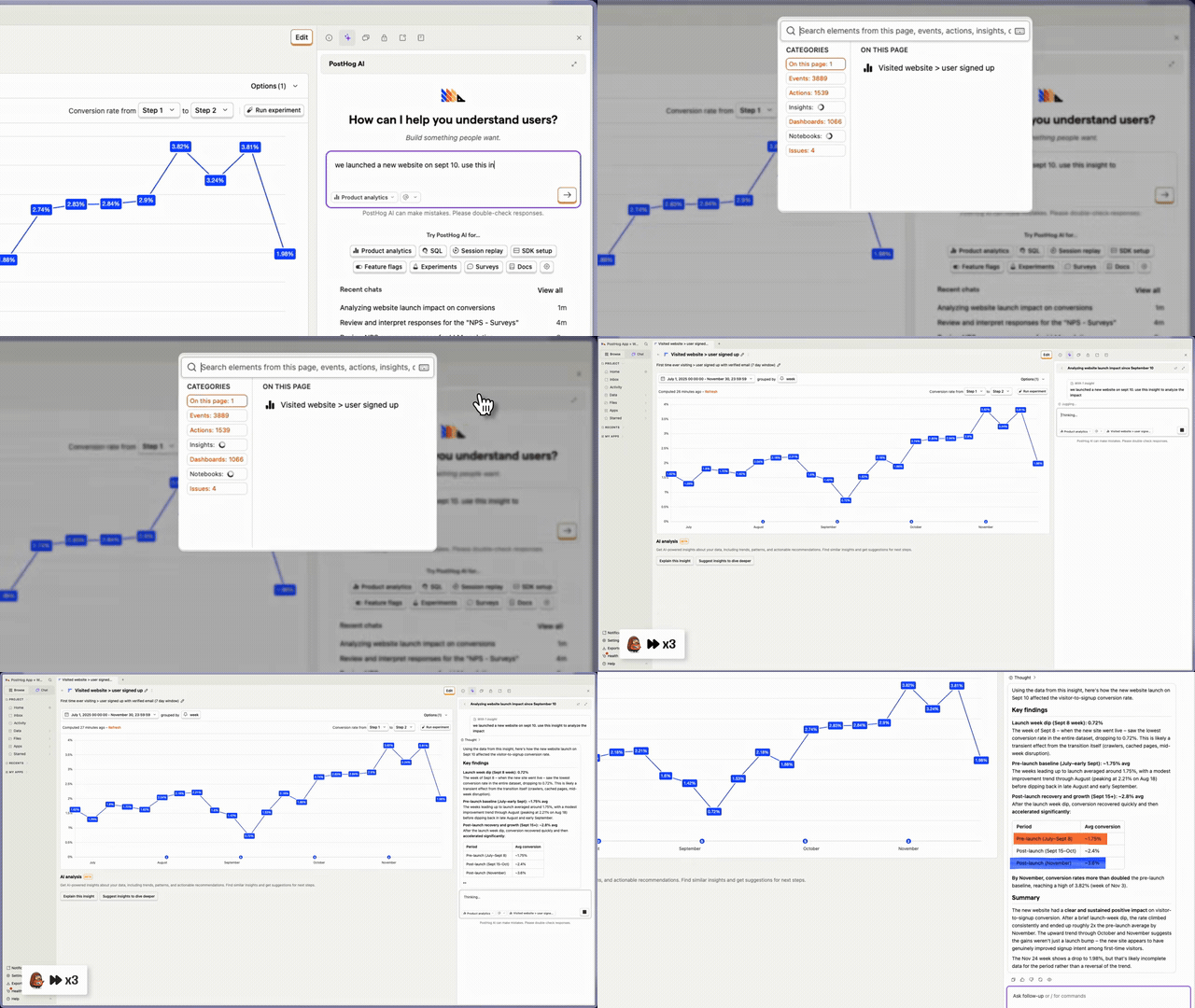 What you're wiring up, before the wiring: ask PostHog AI a plain-English question about a conversion insight and it digs through the data and writes up the findings. (Clip from PostHog's official demo.)
Your root layout runs on the server
I started where everyone starts: posthog.init() dropped straight into app/layout.tsx. Instant error. In the App Router the root layout is a server component, and the PostHog SDK grabs window the second it's imported. No window on the server, so it dies before it does anything useful.
The reflex fix is to write "use client" at the top of the layout. Resist it. The root layout owns your <html> and <body>, and turning it into a client component drags the whole tree onto the client with it. That's a steep tax to pay so one library can read window.
The real fix is boring: put the browser-only code in its own file.
// src/components/posthog-provider.tsx
"use client";

import posthog from "posthog-js";
import { PostHogProvider } from "@posthog/react";
import { useMemo } from "react";
That "use client" line is the border. Everything past it runs in the browser, and layout.tsx goes back to being a plain server component.
Strict Mode runs your init twice
This is the part that actually cost me the afternoon. In development, React 18's Strict Mode mounts a component, unmounts it, then mounts it again on purpose, to flush out effects that don't clean up after themselves. So a naive posthog.init() in a useEffect runs twice, and every pageview shows up in the dashboard as two. I sat there refreshing, watching the counter tick up by two each time, sure I'd misconfigured something on PostHog's end. I hadn't.
The cure is to make init idempotent and stop trusting React to call it once. I hang a flag on window:
function ensurePostHogInit() {
  const key = process.env.NEXT_PUBLIC_POSTHOG_KEY;
  if (!key) return;
  if (typeof window === "undefined") return;

  const w = window as unknown as { __posthogInited?: boolean };
  if (w.__posthogInited) return;
  w.__posthogInited = true;

  posthog.init(key, {
    api_host: process.env.NEXT_PUBLIC_POSTHOG_HOST ?? "https://us.i.posthog.com",
  });
  console.log("PostHog initialized");
}
Yes, the console.log is still in there. It earned its keep during the double-init hunt and I haven't had the heart to delete it.
Why a flag on window instead of a useRef or component state? Because the remount throws state away, and the guard has to outlive that. A value parked on window does. The typeof window === "undefined" check is just insurance: if this ever runs during SSR, it returns instead of throwing.
A missing key shouldn't break a fresh clone
I didn't want anyone cloning the repo to need a PostHog account before npm run dev would even boot. Analytics is optional. The site should run fine without it. So the wrapper checks for the key and quietly skips the whole thing when it's gone:
export function PostHogProviderWrapper({
  children,
}: {
  children: React.ReactNode;
}) {
  const enabled = useMemo(() => {
    ensurePostHogInit();
    return Boolean(process.env.NEXT_PUBLIC_POSTHOG_KEY);
  }, []);

  if (!enabled) return <>{children}</>;

  return <PostHogProvider client={posthog}>{children}</PostHogProvider>;
}
No key, no provider, no requests firing at a host nobody configured. The app behaves like the analytics code isn't there.
The trap hiding inside this one: the variable has to carry the NEXT_PUBLIC_ prefix, or Next.js won't ship it to the browser bundle. Drop the prefix and process.env.NEXT_PUBLIC_POSTHOG_KEY reads as undefined on the client. You get silence instead of data, and nothing complains. I lost a few minutes to exactly that.
Where it actually plugs in
Once the wrapper soaks up the client-side mess, the layout barely moves. Here's the real file, trimmed to the nesting that matters:
// src/app/layout.tsx (still a server component)
import { PostHogProviderWrapper } from "@/components/posthog-provider";

export default function RootLayout({ children }: { children: React.ReactNode }) {
  return (
    <html lang="en" suppressHydrationWarning>
      <body className={/* fonts + layout classes */ ""}>
        <ThemeProvider attribute="class" defaultTheme="dark">
          <TooltipProvider delayDuration={0}>
            <PostHogProviderWrapper>
              {children}
              <AnalyticsWrapper />
              <Navbar />
            </PostHogProviderWrapper>
          </TooltipProvider>
        </ThemeProvider>
      </body>
    </html>
  );
}
PostHog ends up sitting right next to the Vercel AnalyticsWrapper I already had running. They don't fight. Any client component under the provider can call usePostHog() and start sending events, while everything above the boundary stays server-rendered.
The shape underneath
Strip away the PostHog details and you're left with a pattern that fits any browser-only SDK you bolt onto an App Router app, whether that's session replay, feature flags, or error tracking. Keep the browser code behind a thin "use client" wrapper. Make the init survive being called twice. Let it no-op when the config is missing.
Once that shape is in muscle memory, the next one really is the twenty-minute job I thought this would be.
And the original question? People read the posts. Not many. But more than zero, which was the number I'd been quietly afraid of.